
How to protect a Discord server from raids in four steps
A practical guide to the join gate, anti-spam, anti-nuke and the event log, so a raid is stopped in its first second.

! Abdullah
Published Updated 1 min read
 The short answer
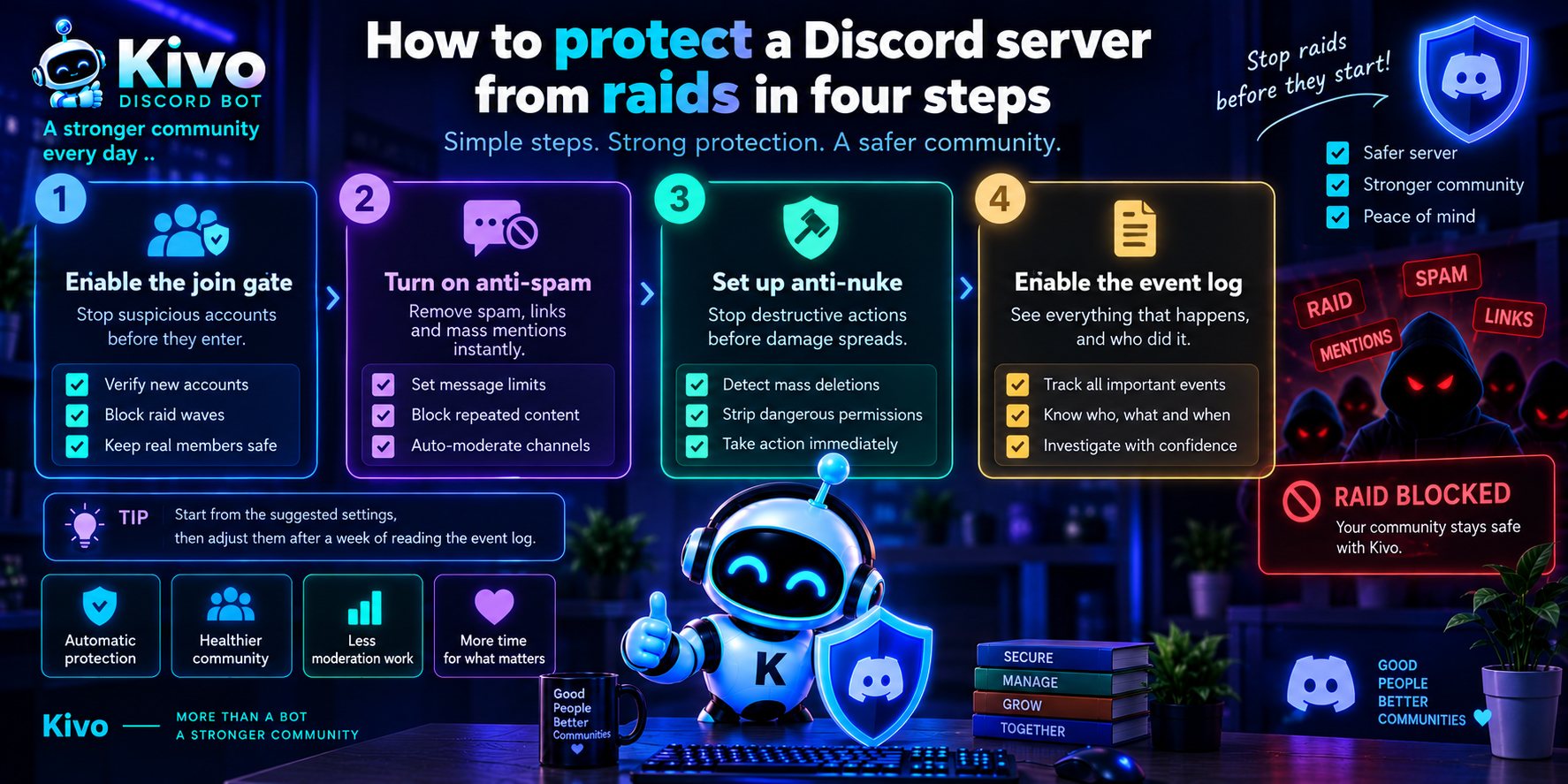
To protect a Discord server from raids, turn on a join gate that checks new accounts, switch on anti-spam and anti-nuke, and enable the event log so you can see what happens. These four layers act on their own and stop an attack in its first seconds, before members notice.
Contents
A raid on a Discord server usually starts with a wave of brand-new accounts joining within minutes and flooding channels with links and mentions. Good protection stops it before your members notice.
Why protection has to be automatic
No moderator watches a server all day, and raids tend to land while the team is asleep. You need rules that act on their own, in the first second.
The steps
- Turn on the join gate and ask new accounts to prove they are human.
- Switch on anti-spam and set how many messages are allowed in ten seconds.
- Set up anti-nuke so anyone deleting channels at speed loses their permissions.
- Enable the event log so you can see everything that happened, and who did it.
What happens during a raid
| Event | What Kivo does |
|---|---|
| Dozens of accounts join in a minute | Locks the gate for a while and alerts moderators |
| Repeated messages with the same link | Deletes them and times the member out |
| Channels deleted one after another | Strips the actor's roles at once |
The short version
Protection is not one setting. It is layers that work together, each catching what the one before it missed.
Key takeaways
- Raids tend to land while the team is asleep, so protection has to be automatic.
- A join gate keeps fake accounts out of your channels.
- The event log tells you what happened and who did it.
Protect a Discord server from raids
Takes about 10 minutes
Join gate
Turn it on and ask new accounts to prove they are human.
Anti-spam
Set how many messages are allowed in ten seconds.
Anti-nuke
Strip permissions from anyone deleting channels at speed.
Event log
Enable it to see everything that happened, and who did it.
Frequently asked questions
Does protection get in the way of real members?
No. A real member passes the join gate once.
When should I change the suggested settings?
After a week of running, and from what the event log shows rather than from guesswork: if no wave arrived, leave the numbers where they are, and if one got through, tighten the layer it came through.
Sources
- Discord Safety Centerdiscord.com
Tags
Share this article